

Quick Takeaway
- Confirm the project duty and applicable requirements for Ring Main Unit Components before selection or service work.
- Use recorded inspection and test evidence instead of unsupported assumptions.
- Keep the final acceptance, maintenance, and handover documents with the equipment record.
Every ring main unit component sits at the intersection of three identification layers — the enclosure configuration, the switching mechanism type, and the bushing-and-connection context — and misidentifying any one of them leads to procurement of a part that physically fits but functionally fails. Correct RMU component identification starts with the manufacturer's configuration drawing, not with visual resemblance or catalogue browsing. This guide walks through the decision sequence an engineer or buyer should follow before requesting a quotation or approving a replacement.
Why Drawing-Led Identification Is Non-Negotiable
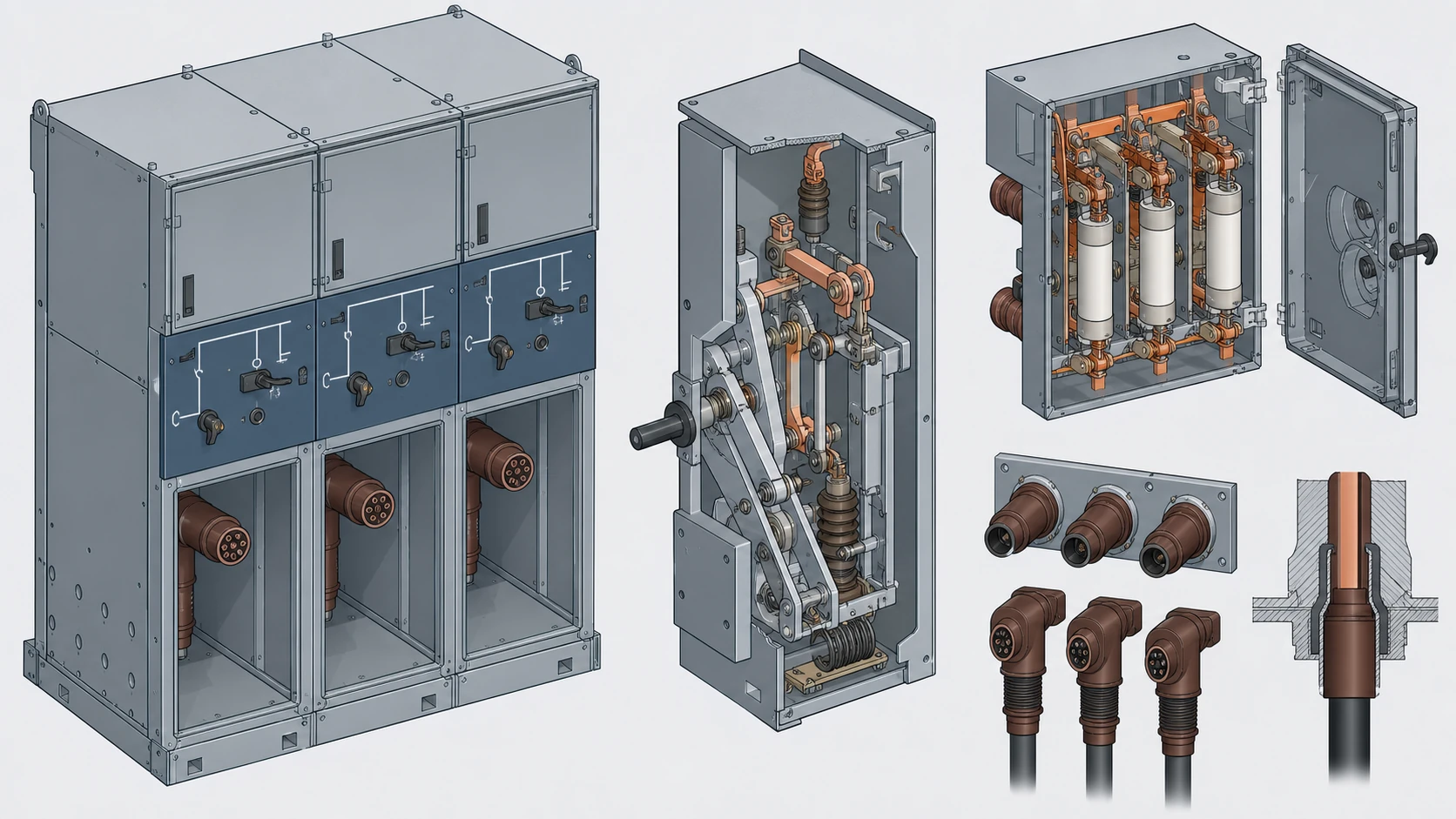
A ring main unit is not a single product; it is a configuration-dependent assembly. The Schneider Electric RM6 catalog presents the RM6 as medium-voltage equipment whose functions and component options change with every configuration variant. Two RM6 units installed on the same site can carry different functional-unit arrangements — a ring switch paired with a fuse-switch, versus a ring switch paired with a circuit breaker — and each arrangement determines which internal components are present, how they are rated, and which spare or replacement parts are valid. The MV Switching Equipment category gives only the wider equipment context.
This configuration dependency means that a component's identity cannot be resolved from its appearance alone. A load-break switch mechanism from one functional unit may be dimensionally similar to another yet rated for a different duty cycle, gas volume, or bushing interface. The documented starting point is the unit's configuration drawing or type designation plate, which encodes the functional-unit sequence and the ratings that govern every component inside the enclosure.
Attempting to identify a component by matching photographs or general part descriptions introduces a compounding risk: the wrong mechanism may seat correctly inside the enclosure but fail at its rated switching duty, or the wrong bushing may accept a cable connector but lack the insulation coordination the original design required.
Identifying the Enclosure and Its Configuration Context
The enclosure is the first identification layer because it constrains everything inside it. For sealed gas-insulated RMUs, the enclosure is a pressure-rated stainless-steel or welded-steel vessel filled with SF₆ or an alternative insulating gas. For air-insulated or solid-insulated designs, the enclosure is a composite or metallic housing whose internal clearances are matched to the insulation medium.
To identify the enclosure correctly, locate these data points before any component-level investigation:
- **Manufacturer and product family.** The nameplate or rating plate on the enclosure front panel states the manufacturer, the product family designation, and usually a full type code.
- **Configuration code.** The type code encodes the number and type of functional units. In the RM6 family, this code specifies whether each position is a ring (cable) switch, a fuse-switch combination, or a circuit-breaker unit. Each position may carry different ratings.
- **Rated voltage and insulation level.** Medium-voltage RMUs typically serve 12 kV, 17.5 kV, or 24 kV systems. The enclosure's rated voltage determines the minimum creepage, clearance, and BIL that every internal component must satisfy.
- **Gas type and pressure (if applicable).** Sealed gas-insulated enclosures are factory-filled and sealed for life. The gas type and rated filling pressure appear on the nameplate and affect whether any internal intervention is even permissible outside the factory.
If the nameplate is missing or illegible, the next source is the project's single-line diagram and the switchgear schedule, which should record the full type designation. Only after the enclosure configuration is confirmed can you move to the mechanism layer.
Identifying the Switching Mechanism and Functional-Unit Type
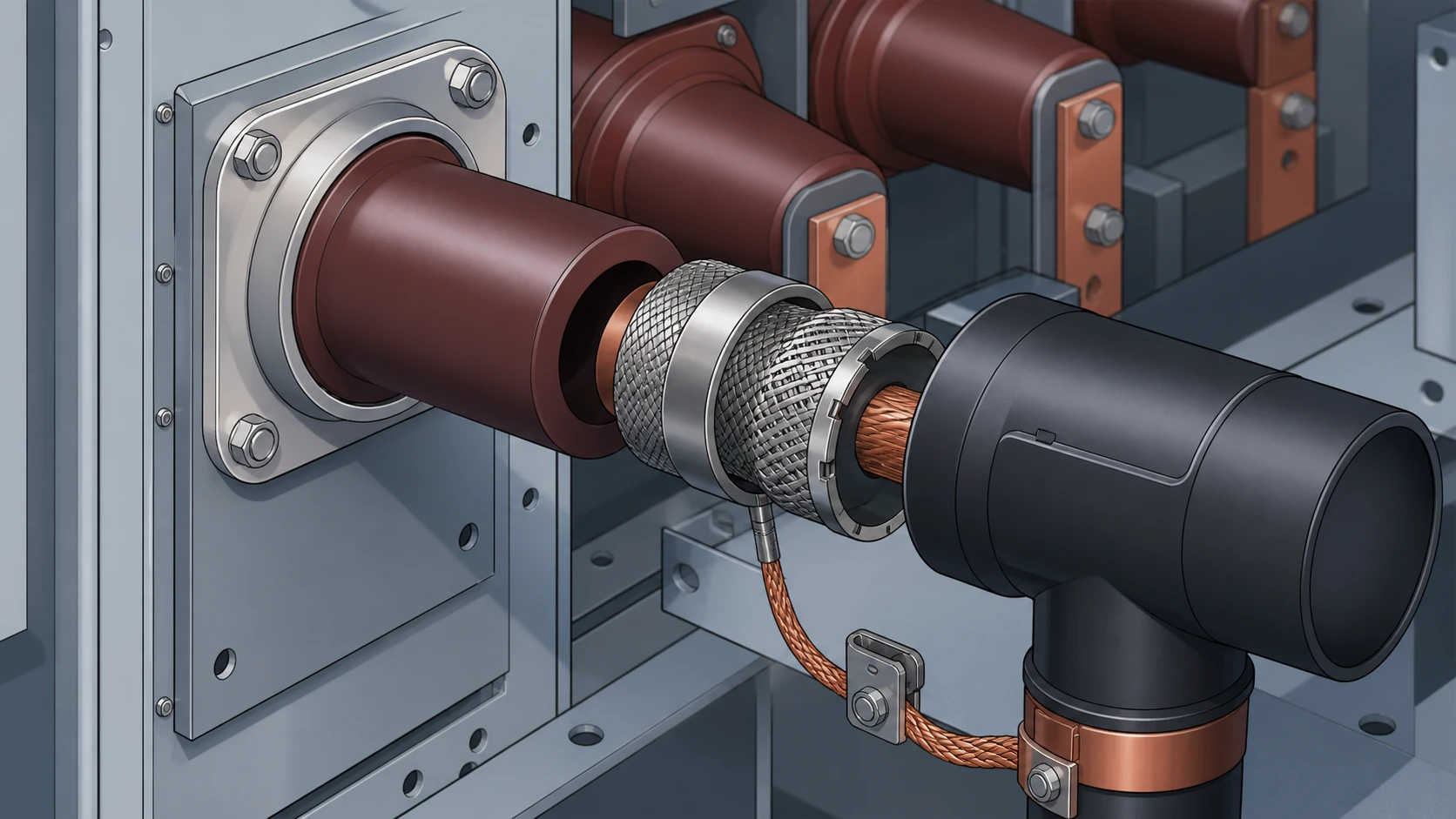
Each functional-unit position inside the enclosure houses a switching mechanism whose type is dictated by the configuration code. The three common mechanism categories in ring main units are:
| Mechanism type | Typical function | Key identification clue |
|---|---|---|
| Load-break switch | Ring (cable) switching; energise / de-energise load circuits | Operating handle with open / close / earth positions; no trip-unit housing |
| Fuse-switch combination | Transformer feeder protection with HV fuses | Fuse-carrier access panel or fuse-tube housing visible on the functional unit; striker-trip linkage to the switch mechanism |
| Vacuum or SF₆ circuit breaker | Protection switching with relay-controlled tripping | Separate trip-unit or relay compartment; current-transformer mounting points; mechanical trip-free linkage |
These categories are not interchangeable within a given enclosure position. A fuse-switch combination occupies a position engineered for fuse-tube geometry, striker-trip kinematics, and a specific making-and-breaking rating. Replacing it with a load-break switch — even one from the same manufacturer's family — removes the protection function and may violate the network's protection coordination scheme.
To confirm the mechanism type for a specific position:
1. Read the configuration code from the enclosure nameplate and decode each position against the manufacturer's catalog.
2. Match the position to the functional unit shown on the original single-line diagram.
3. Confirm the rated short-circuit making and breaking values, the rated normal current, and (for fuse-switch units) the fuse rating and type from the project documentation.
Do not infer the mechanism type from the external operating handle alone. Some manufacturers use similar handle assemblies across load-break and fuse-switch units, differentiating them only by internal linkage and fuse-carrier presence.
Identifying the Bushing and Connection Context
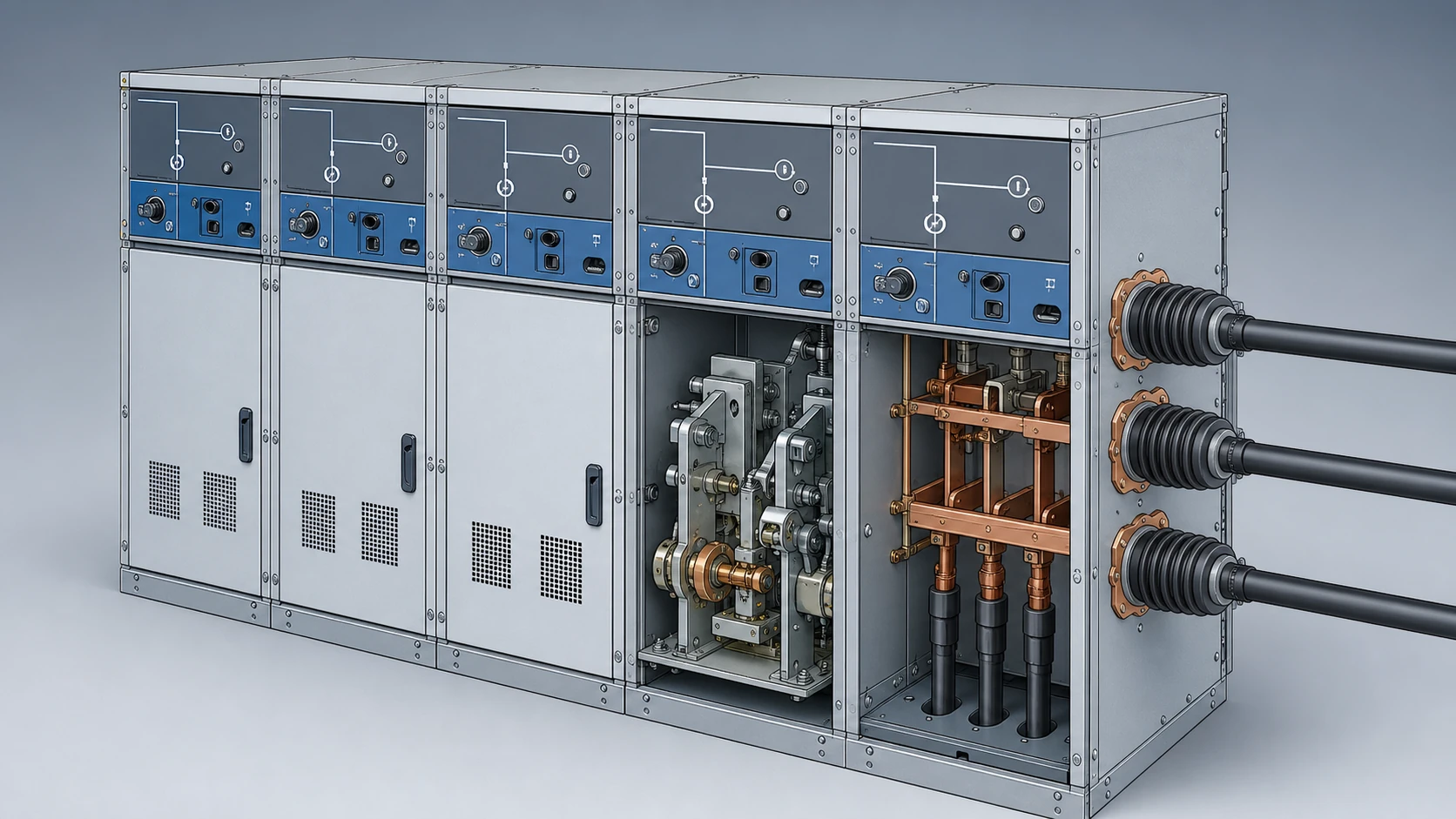
The third identification layer — and the one most frequently misjudged — is the bushing-and-connection interface. The bushing is the insulated feed-through that brings the cable conductor into the gas-filled or solid-insulated compartment. Its type defines which cable connectors are documented for the interface, what torque and preparation procedures apply, and which performance record must be checked.
Schneider Electric's own guidance on RM6 cable connections makes this dependency explicit: its selected connector list is tied to the specific RM6 bushing type and stated performance characteristics. For any connector reference not on that list, Schneider asks users to consult directly. This is not a commercial preference; it reflects the reality that bushing geometry, contact surface material, insulation-screen interface, and partial-discharge performance are matched as a system.
Practical identification of the bushing and connection context requires:
- **Bushing type designation.** Obtained from the enclosure's component list or the manufacturer's installation drawing. The designation encodes the conductor size range, the insulation interface (heat-shrink, cold-shrink, or separable connector), and the voltage class.
- **Cable-connector pairing.** The specific connector (lug, separable elbow, or plug-in termination) must appear on the manufacturer's approved list for that bushing type. A connector that physically threads onto the bushing stud is not thereby compatible; partial-discharge and thermal performance depend on the full interface geometry.
- **Conductor and screen preparation.** Each bushing-connector pairing specifies cable-preparation dimensions — insulation strip length, screen cut-back, and conductor protrusion — that are unique to the combination.
Never infer bushing compatibility from cable cross-section alone. Two bushings rated for the same conductor range may differ in contact geometry, interface insulation requirements, or partial-discharge withstand, making them incompatible with each other's listed connectors.
Decision Workflow Before RFQ or Replacement
The following sequence consolidates the identification layers into a single pre-procurement workflow. Each step must be completed with documentary evidence, not assumption. Related evidence-led guidance is collected in the Technical Articles library.
**Step 1 — Confirm enclosure identity.** Record the manufacturer, product family, full configuration code, rated voltage, insulation level, and gas type from the nameplate or project records.
**Step 2 — Decode functional-unit positions.** Using the manufacturer's catalog for that product family, map each position in the configuration code to its functional-unit type (load-break switch, fuse-switch, circuit breaker) and its individual ratings.
**Step 3 — Identify the target component.** Determine which functional-unit position contains the component to be procured or replaced. Record the position number, the mechanism type, and its rated values.
**Step 4 — Confirm bushing and connection context.** From the manufacturer's installation drawing or component list, record the bushing type designation for each cable entry on the target functional unit. Cross-reference the installed cable connectors against the manufacturer's approved connector list for that bushing type.
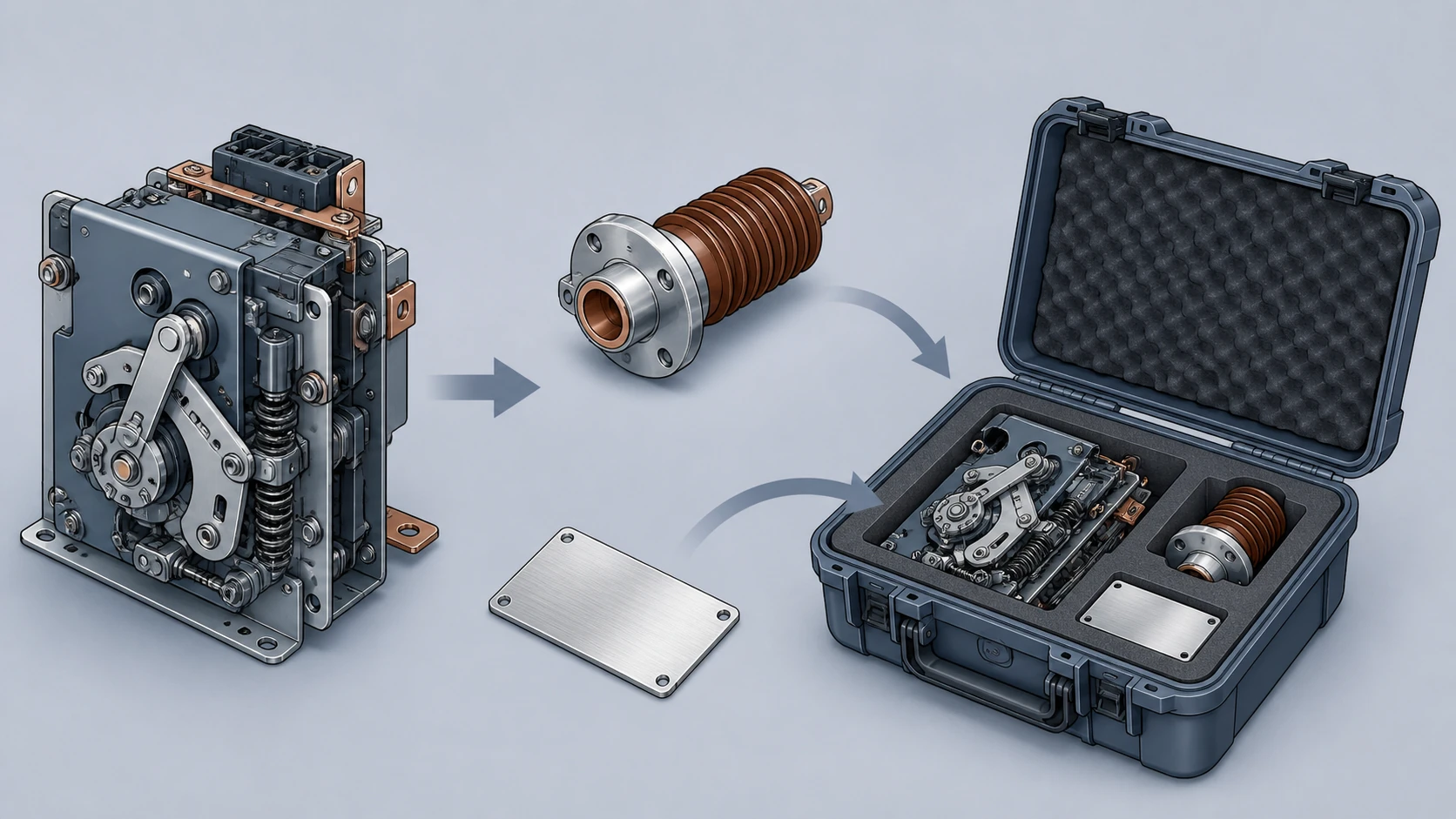
**Step 5 — Compile the identification package.** Before issuing an RFQ, assemble: the full enclosure type code, the target functional-unit position and type, the component part number from the manufacturer's parts list, the bushing type designation, and the installed connector reference. This package gives the supplier — whether original manufacturer or specialist component provider — enough context to confirm or correct the selection.
Skipping any step forces the supplier to guess, and a guess that produces a dimensionally similar but functionally wrong component may not reveal itself until commissioning or, worse, until a switching operation under fault conditions.
Evidence Boundaries and What This Identification Cannot Resolve
Drawing-led identification confirms what a component is and where it sits in the configuration. It does not confirm the component's current condition, remaining service life, or compliance with any regulatory change that post-dates the original installation.
It also does not resolve compatibility across manufacturers. A bushing type designation from one manufacturer cannot be cross-referenced to another manufacturer's bushing without an explicit compatibility statement from one or both parties. The same applies to switching mechanisms: even when two mechanisms share a functional description (e.g., "load-break switch, 630 A, 24 kV"), their mounting geometry, operating linkage, gas-seal interface, and duty-cycle rating may differ in ways that prevent interchange.
Where a component must be sourced from a supplier other than the original manufacturer, the identification package from Step 5 above becomes the minimum input for the supplier's own compatibility assessment. The relevant product range can help route an inquiry, but the supplier's written confirmation of compatibility — not the buyer's visual comparison — is the evidence that closes the identification loop.
Model-specific approved procedures govern any live-operation, gas-handling, torque-setting, or adjustment actions required during replacement or commissioning. Those procedures are outside the scope of component identification and must be obtained from the equipment manufacturer for the specific configuration and serial number involved.
FAQ
What is the most common RMU component identification mistake?
The most common mistake is identifying a component by its physical appearance or general description rather than by the enclosure's full configuration code and functional-unit position. Because RMU configurations are modular, visually similar components can carry different ratings, bushing interfaces, or mechanism linkages. Starting from the configuration drawing eliminates this class of error.
What is the role of the configuration code in RMU component identification?
The configuration code is the encoded description of every functional-unit position in the ring main unit. It tells you how many positions exist, what type of switching function each position performs, and often the rated current and voltage class. Without decoding this code against the manufacturer's catalog, you cannot determine which components belong in which position or what their correct ratings are.
What is required to confirm cable-connector compatibility with an RMU bushing?
Confirmation requires the bushing type designation from the manufacturer's component list and cross-referencing the intended connector against the manufacturer's approved connector list for that specific bushing. Schneider Electric's RM6 documentation ties its selected connectors to the bushing type and stated performance characteristics. Any connector not on the list requires direct consultation with the manufacturer.
What is the minimum data package needed before issuing an RFQ for an RMU component?
The minimum package includes the full enclosure type code, the target functional-unit position number and type, the component part number from the manufacturer's parts list, the bushing type designation for each relevant cable entry, and the installed cable-connector reference. Omitting any element forces the supplier to make assumptions that risk delivering a dimensionally compatible but functionally incorrect part.

